 LANGUAGE
 SEARCH



 Sign in
 Hello,

How Are Claims Processed?

New link I added
Note that will appear in a non-important callout
Determination of coverage and eligibility
Review of claim information and supporting documentation.
Please Note: It is essential that the required forms/documentation to support your claim are submitted by the due date specified by Aflac in your Notice of Application. If not, your claim cannot be processed and may be denied. If you need more time, contact Aflac for an extension of time.
Decision is made. If approved, benefits are calculated. If denied, Notice of Denial is issued.

Identity verification documents (REQUIRED)
Provide your identity verification documents directly to Aflac by uploading them into your claim through the CT Paid Leave Aflac Portal.- Do not send original documents to Aflac.
- Provide color copies of the original documents.
- You can use your mobile phone to take photos or use a free application such as Adobe Scan.

When uploading identity verification documents, select Identification as document type.
Employment Verification (REQUIRED)
The Employment Verification Form is included in your Notice of Application and has the case number and name pre-filled
- Provide this form to your employer.
- Your employer must complete and return the form to Aflac within 10 days.
- Your employer may return the form directly to Aflac, or they may return it to you to upload through the CT Paid Leave Aflac portal.
- Follow up with your employer to ensure that the Employment Verification Form has been completed and returned to Aflac.
- If your employer has questions, they may use the Employment Verification Form Job Aid or contact us.
If you are still having trouble getting your employer to complete and return the form, call Aflac (877-499-8606) for guidance.
Are you a Sole Proprietor/Self-Employed Individual?


Documents supporting the leave reason (REQUIRED)
Different documents are required depending on your leave reason.
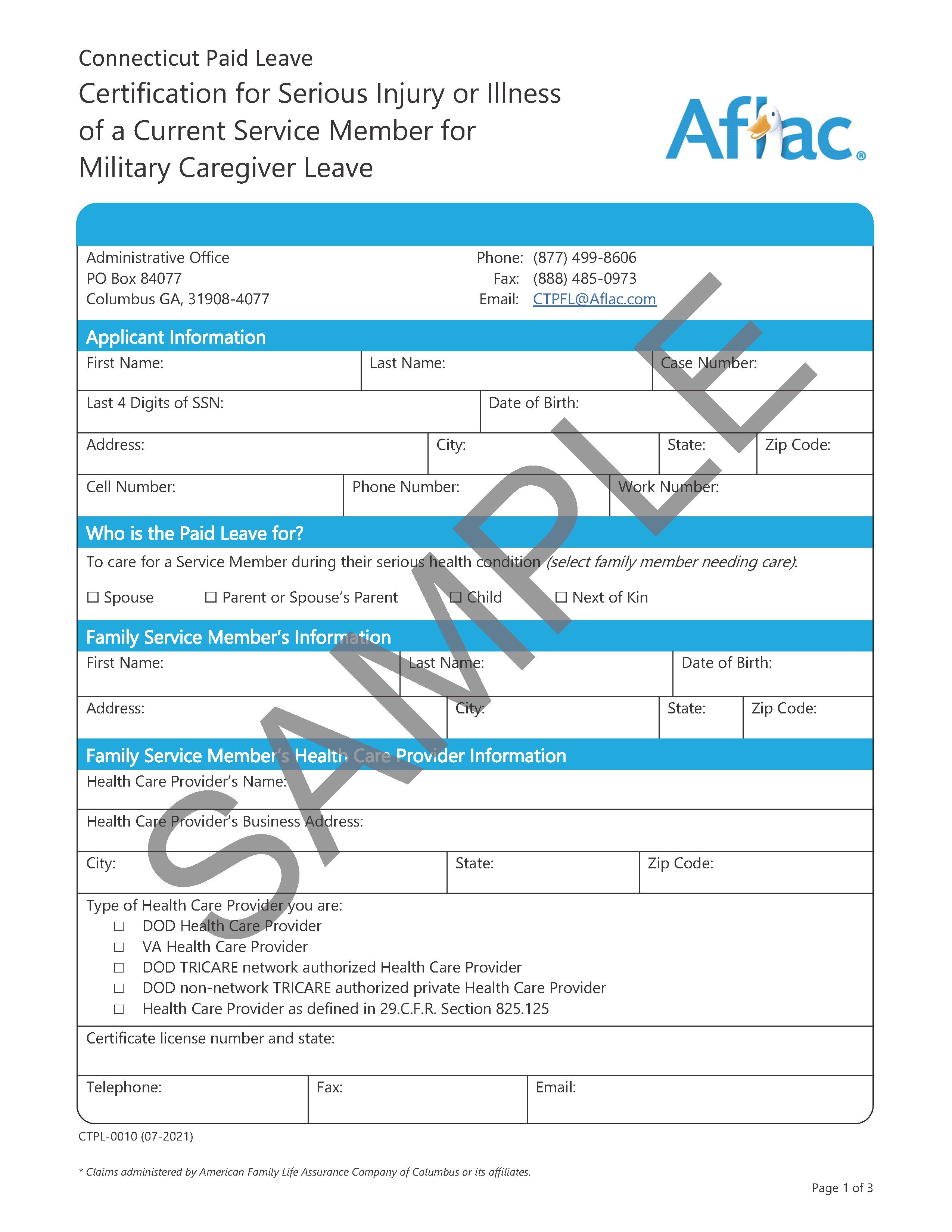
Your Notice of Application will include the required documents, many of which are pre-filled with your name and case number.
If you lost these forms, log into the CT Paid Leave Aflac Portal to download your Notice of Application with the pre-filled forms.




Tax forms (OPTIONAL)
These benefits will be subject to federal and state taxes. Taxes are not automatically withheld from benefits paid, but payees can request voluntary tax withholding.
Applying online or by calling Aflac?
If you apply online or by calling the Aflac customer care line, you will be asked if you wish to have taxes withheld and, if so, how much.
Requesting to receive application forms by mail?
If you request to receive the application forms by mail and you wish to have taxes withheld, fill out the employee sections of the federal and state tax withholding forms. Do not fill out the Employers Only sections.
Sample Forms
W-4 CT-W4
When uploading the W-4, select:
W4

When uploading all CT-W4 or W-4S, select:
W-4S
When uploading documents, do not use the sample forms.

Payment Election Form (OPTIONAL)
You can receive your benefit payments either through direct deposit to your bank account or a Visa Debit card.
Applying online or by calling Aflac?
You will be prompted to make your payment election.
Requesting to receive application forms by mail?
You will receive a payment election form to complete.
If you choose direct deposit on the payment election form, you will be required to submit a voided check or deposit slip with your application documents.
If you choose Visa Debit card on the payment election form, you do not need to submit any additional banking information.

If uploading the Payment Election Form, select:

When uploading voided check, select:
EFT Form
